
A next-generation digital asset management system
Unify the stewardship of your digital collections with a modern platform that brings together digital asset management, long-term preservation, access, and processing tools for media and metadata in a single, cloud-hosted environment—powered by JSTOR’s trusted infrastructure.
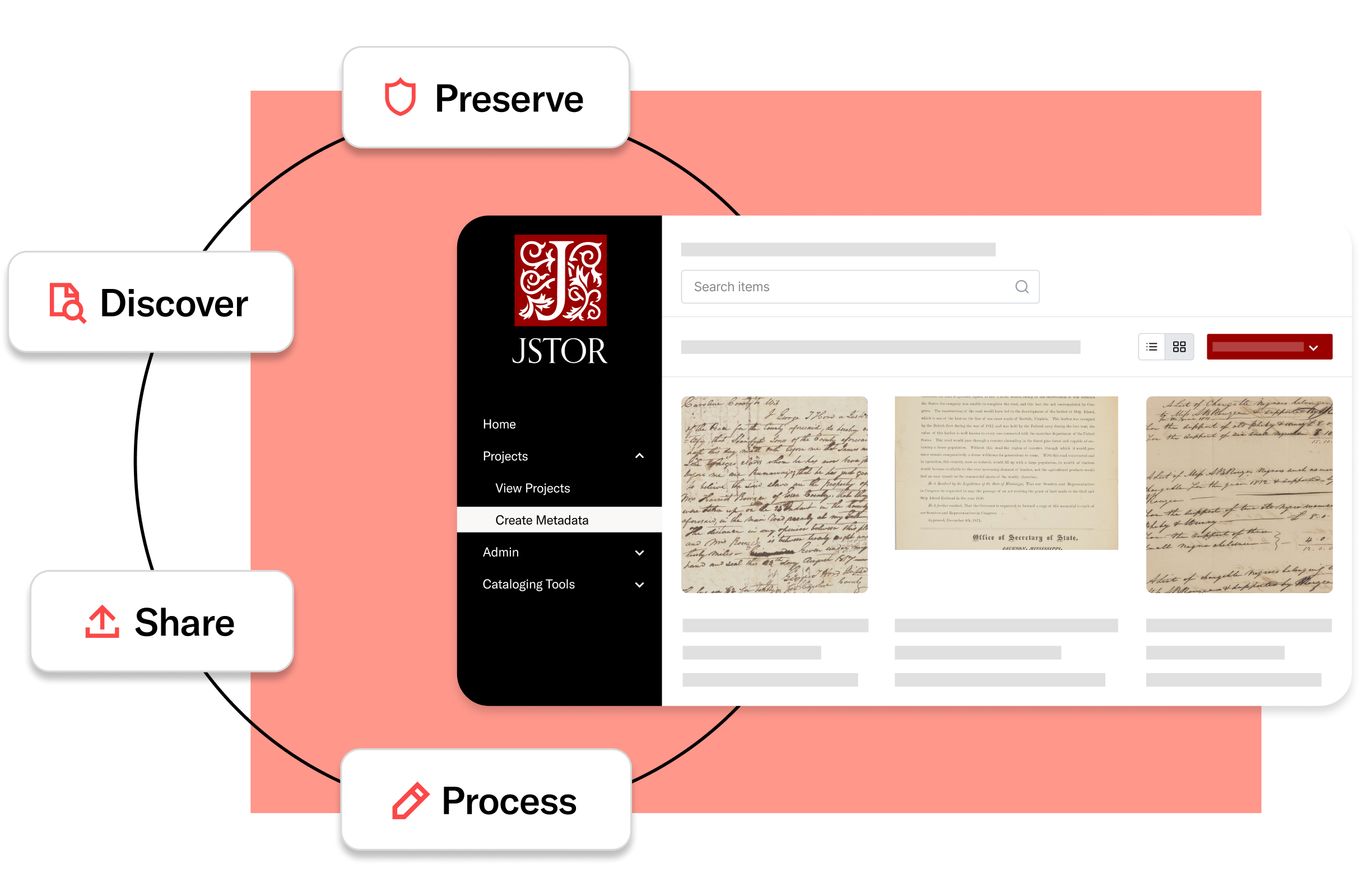
Holistic, values-aligned stewardship
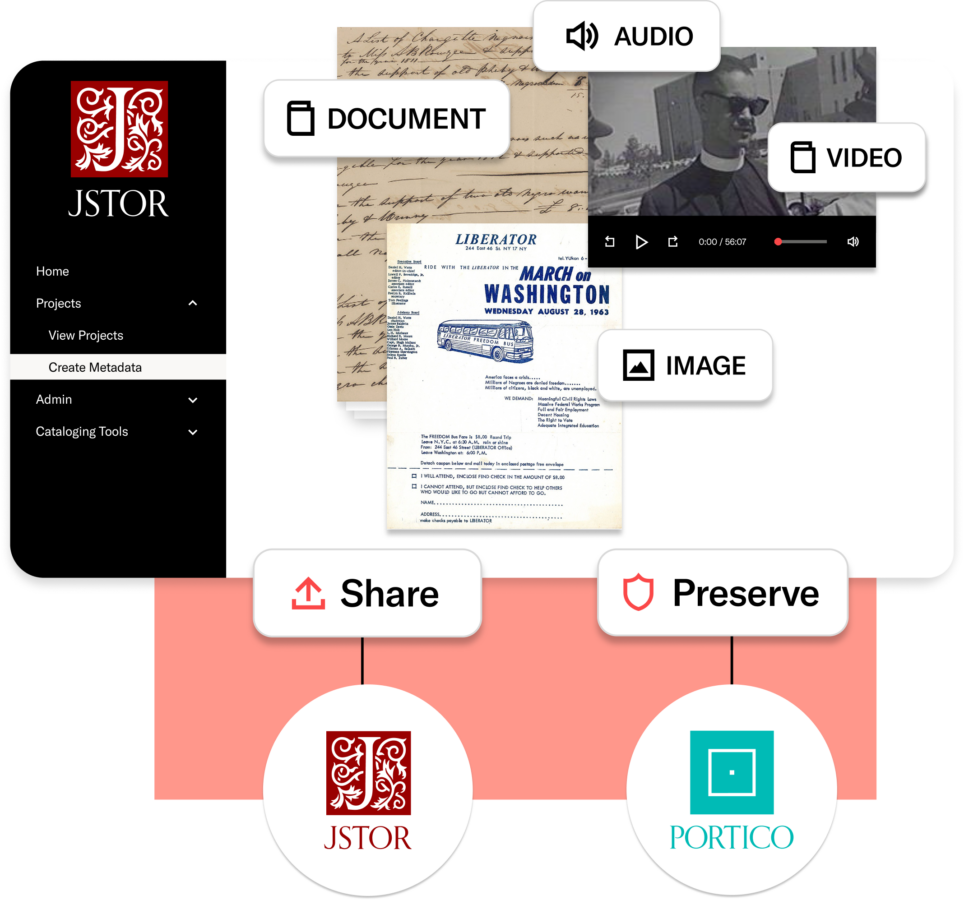
Support the full lifecycle of your collections with a next-generation digital asset management (DAM) system created by JSTOR, a mission-driven nonprofit, in collaboration with the library and archives community. Work in one integrated, intuitive workspace to organize, catalog, and manage text, images, audio, and video;
publish to an institutionally-branded presence on JSTOR to expand discovery; and send materials to Portico for long-term preservation. Streamline workflows and simplify your tech stack with a values-aligned partner committed to helping you turn the effort you invest into durable access and measurable impact.
A modern DAM—and more
- Unify easy-to-use tools for management, access, and preservation across formats
- Upload, catalog, share to JSTOR, and support OAI harvesting without switching systems
- Aligned to OAIS Reference Model and NDSA Levels of Digital Preservation
Get in the flow of your users
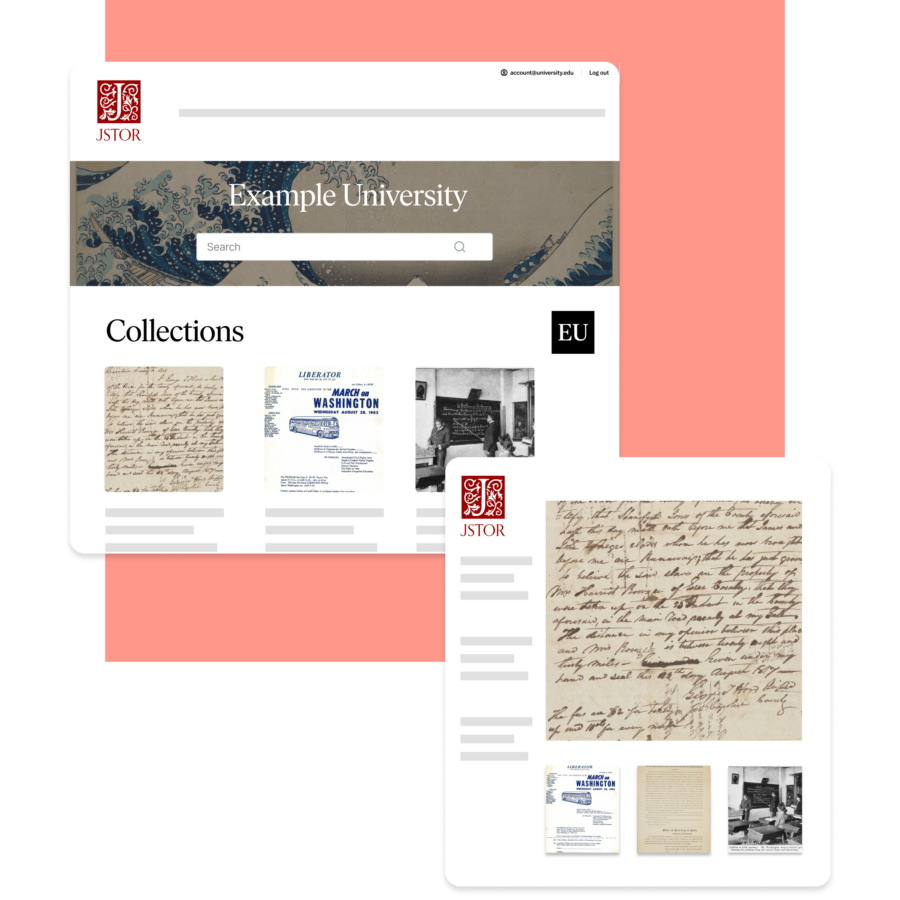
- Directly share your collections to JSTOR’s widely used platform
- Generate impact with full-text search and recommendations
- Showcase your holdings on an institutionally-branded JSTOR page
Organize intuitively, display beautifully
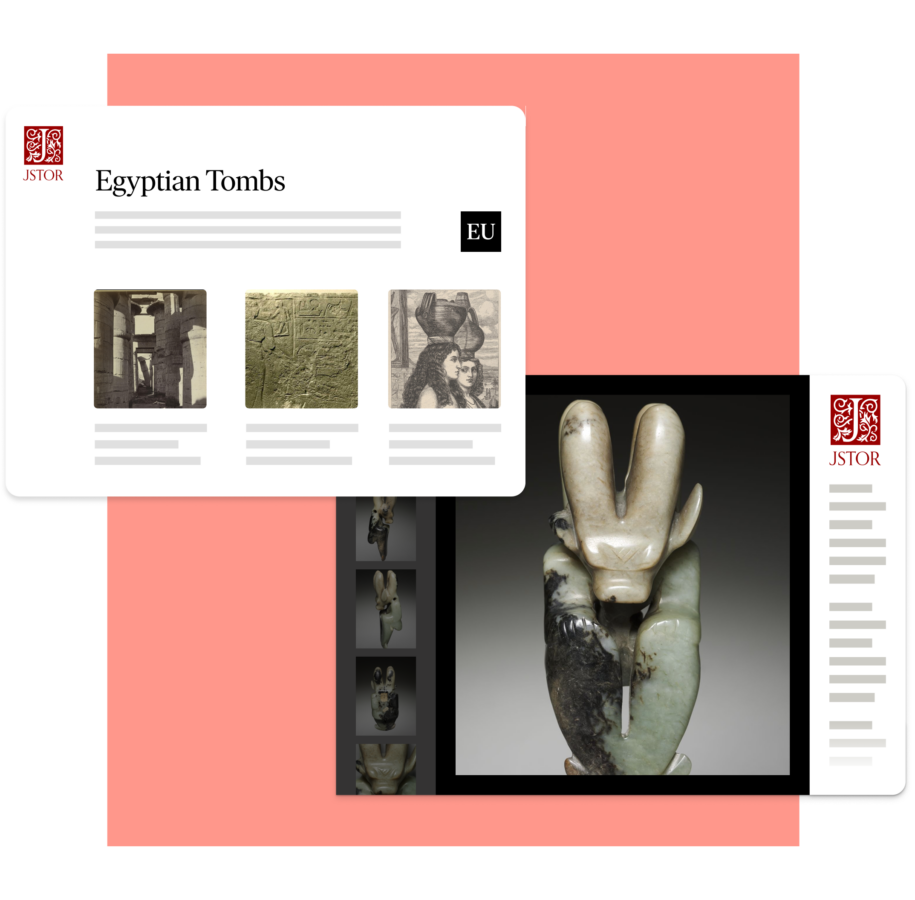
- Build collections your way with media‑ or metadata‑first workflows
- Optimize browsing with thematic or hierarchical sub-collections
- Manage your branded page on JSTOR and refresh anytime, with full editorial control
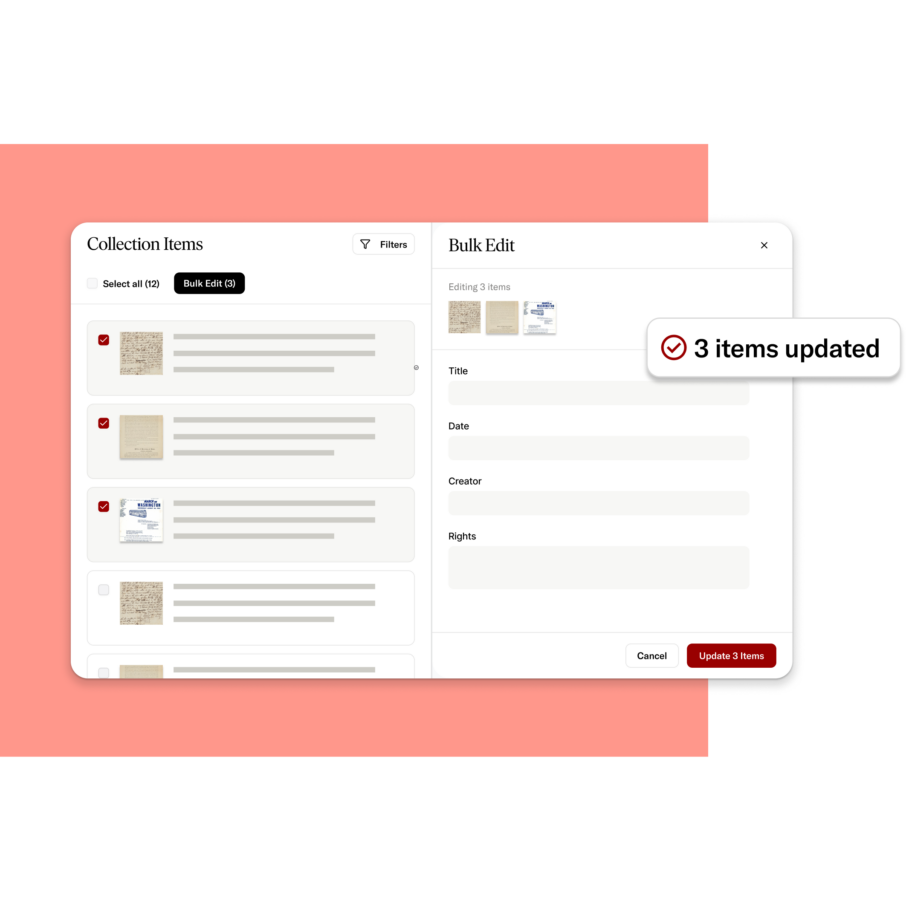
Describe efficiently—and at scale
- Batch upload files and scale description with templates and bulk editing
- Customize metadata forms and workflows for different projects or users
- Apply controlled vocabularies and authorities for consistent description
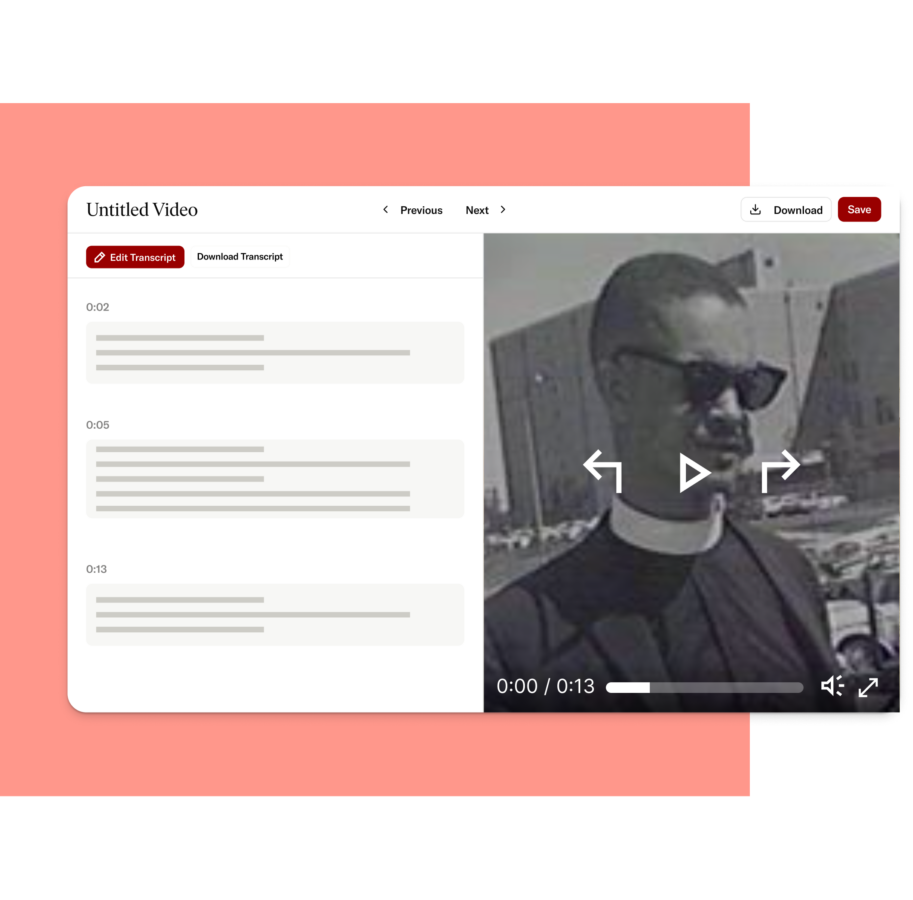
Support accessible audio and video
- Generate searchable, timestamped transcripts for audio and video—or upload your own
- Ensure accessibility with closed captions via transcripts in the JSTOR media player
- Engage users with a modern, mobile-responsive player with advanced playback options
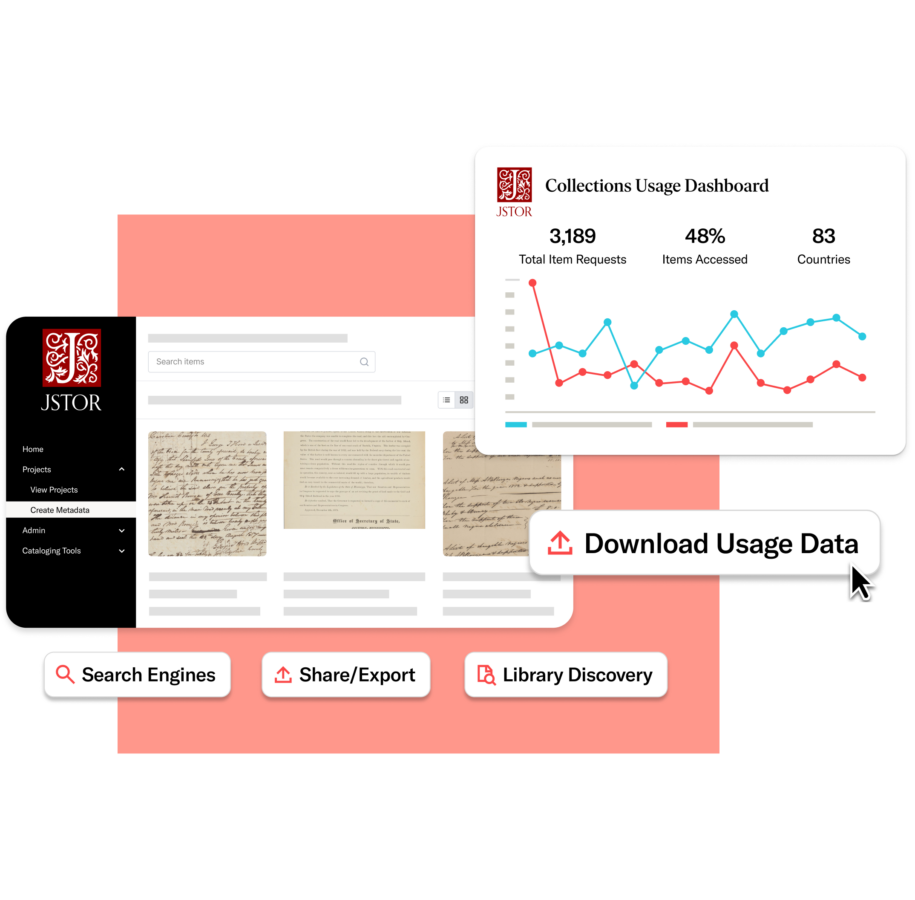
Extend discovery and reach
- Index your collections in library discovery and search systems
- Share beyond JSTOR via OAI-PMH
- Measure your growing impact with usage analytics
Scale your stewardship and maintain control
- Support unlimited user, role‑based access across teams and projects
- Choose who can access each of your collections—institution-only or global users
- Expand capabilities with additional storage, migration, harvesting, or JSTOR Seeklight
Frequently asked questions
What support is available for moving my collections from my current DAM to JSTOR?
JSTOR offers expert-led migration services to move content from most major DAMs and repositories (e.g., CONTENTdm, Islandora, Omeka, DSpace, Preservica, and others) into Stewardship. This includes a feasibility review, metadata mapping, content transfer (via OAI-PMH or FTP), quality checks, and setup of your JSTOR collections and landing pages scoped through a detailed project plan. Learn more about migration services.
What training and support are available?
All tiers include personalized support from JSTOR Stewardship’s Participant Success team; ongoing technical support via chat, email, and phone; regular training webinars; and 24/7 access to documentation and video tutorials. For Tiers 2 and 3, you also receive custom onboarding training. Visit our support site to explore resources.
Does the JSTOR platform and/or Stewardship DAM meet digital accessibility compliance, and can you share your VPAT?
Yes. The JSTOR platform (where your collections are discovered) is designed to meet WCAG 2.2 Level AA and Section 508 standards and is documented in a formal Accessibility Conformance Report (VPAT/ACR) that we can share upon request. The JSTOR Stewardship platform is built on the same design and engineering standards and benefits from this accessibility approach, so staff using the DAM work within a UI aligned to JSTOR’s accessibility practices. Review accessibility resources.
What does it mean to share collections on JSTOR?
Sharing from Stewardship’s DAM to JSTOR entails making selected items (media and metadata) part of your institution’s collections on the JSTOR platform. Those items:
- Appear on a branded institutional landing page and/or within any subcollections you create and include them in
- Are searchable and discoverable alongside journals, books, images, and primary sources already on JSTOR
- Are indexed by major search engines and library discovery services (e.g., EDS, WorldCat, Primo/Alma)
You control whether collections are open or restricted to your institution. Learn more about sharing to JSTOR.
If I share my collections on JSTOR, will they be searchable with other JSTOR content?
Yes. Once shared, your collections are searchable within JSTOR’s unified interface, and results from your collections appear alongside JSTOR journals, books, primary sources, and images, with full use of filters and facets. This will be true for anyone using JSTOR for your open collections, and only for users at your institution for your institutional collections (see Managing publishing targets for more information on sharing options). Openly shared collections are also indexed by Google and other discovery services. Learn more in our Guide to JSTOR search for shared collections contributors.
How will people know that my digital collections belong to my institution?
Published collections are surfaced with a dedicated, branded institutional landing page that includes your logo, description, and collections. On individual item pages, users see your institution’s name and logo, collection hierarchy, and terms/copyright information, clearly signaling that the materials belong to your institution. Learn more about landing pages.
How much editing control do I have over my institution’s landing page on JSTOR?
You can edit your JSTOR institutional landing page directly within the DAM, including:
- Uploading or updating your logo and banner image
- Writing and revising the headline and descriptive text
- Managing which collections appear and how they are described
- Establishing your institution’s URL
While the overall layout follows JSTOR’s shared design system for accessibility and consistency, key branding and descriptive elements are under your control. Learn more about landing pages.
If I share my digital collections on JSTOR, does my institution retain all rights?
Yes. Your institution retains ownership and rights to the content you contribute. JSTOR requires a license to host, preserve, and provide access, but publishing does not transfer intellectual property. You remain responsible for confirming you have the necessary rights, and you continue to control access levels (open vs. institutional). You may suppress or remove content at any time directly through the DAM.
How can my digital collections benefit from features on the JSTOR platform (save, cite, filter, etc.)?
When your collections are published on JSTOR, they’re available alongside the content researchers already use, so people can discover and work with your materials using familiar JSTOR tools and workflows. For example:
- Users can search, filter, and facet results using fields like format, date, subject, and collection
- They can save items to JSTOR Workspace, generate citations, and (where enabled) download files for offline use
- Full-text search is supported for OCR’d documents, and transcripts enhance discoverability for audio and video
Learn more about Stewardship

Middle Tennessee State University will move to JSTOR Digital Stewardship Services for digital asset management, preservation, and access
Middle Tennessee State University joins JSTOR Digital Stewardship Services, migrating 13,000+ items from CONTENTdm to a unified platform for preservation, management, and expanded discovery on JSTOR.

Like It or Not, AI Has Arrived in Archives. Now Is the Time for Archivists to Take the Reins.
A new perspective on responsible AI in libraries, exploring how institutions can adopt emerging technologies while maintaining trust, transparency, and scholarly values.
What’s new in JSTOR Stewardship: March 2026
JSTOR Digital Stewardship Services welcomes new institutions and shares recent collection highlights now available on JSTOR. This update features examples of AI-assisted description, expanded open access materials, and ongoing efforts to support responsible digital collections management.

Parallel paths to innovation: How user research and engineering collaboration shape JSTOR Seeklight
At ITHAKA, innovation happens when user research and engineering exploration move in parallel. This behind-the-scenes look at JSTOR Seeklight shows how collaboration with archivists and technologists shaped an AI-driven tool designed to accelerate collections processing while keeping human expertise at the center.

JSTOR upholds 100% ASPIRE Gold rating for accessibility statement
JSTOR has upheld a Gold 100% ASPIRE rating for its accessibility statement, recognized for clarity, transparency, and meaningful investment in user-centered access.
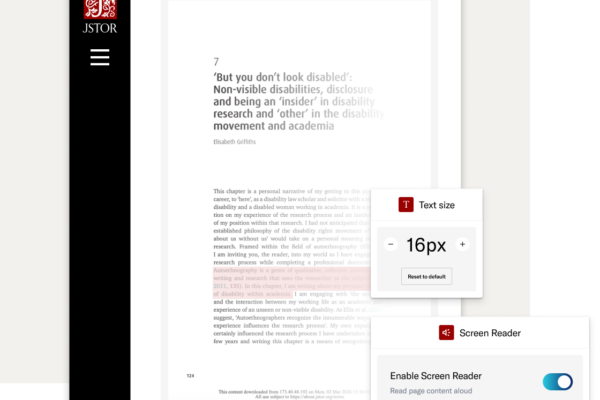
What we’re hearing from accessibility leaders across higher education
Ahead of updated ADA Title II requirements, we spoke with accessibility leaders at seven public universities about what sustainable progress really looks like. Their focus: prioritization, transparency from providers, and scalable, human-centered solutions that build accessibility into systems.
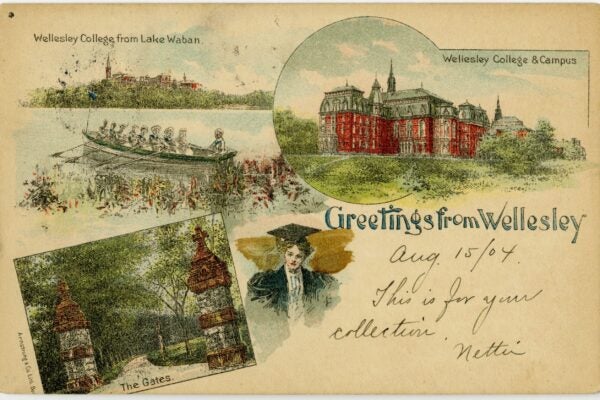
Wellesley College deepens engagement with JSTOR Digital Stewardship Services, joins Tier 3 charter program
Wellesley College becomes the fifth Oberlin Group and second Boston Library Consortium institution to join JSTOR’s Tier 3 charter program, advancing responsible, AI-assisted collections stewardship with JSTOR Seeklight.
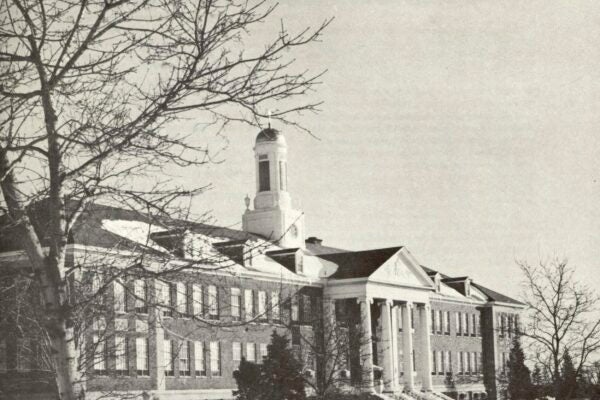
Siena University joins JSTOR Digital Stewardship Services to strengthen digital preservation, access, and engagement
Siena University joins JSTOR Stewardship as a Tier 2 participant, migrating from CONTENTdm to unify digital asset management, long-term preservation via Portico, and discovery on JSTOR.

St. John Fisher University joins JSTOR Digital Stewardship Services to strengthen digital collections management and preservation
St. John Fisher University has joined JSTOR Digital Stewardship Services as a Tier 2 participant, strengthening the management, preservation, and discoverability of its distinctive digital collections.
Explore the next generation DAM solution
Learn how preservation with JSTOR Stewardship can support your institution’s goals.
Talk to our team
Explore the next generation DAM solution
Learn how preservation with JSTOR Stewardship can support your institution’s goals.